Task list
A matter's tasks as Task rows in due order, undated last, ending with the add row. Every row edits in place out of the box: click a title to rewrite it (in plain language, like the add row), or a priority, due date or assignee for the same picker the add row uses. Without handlers the list keeps its own edits; pass onChange and onDoneChange to own them, or readOnly to turn editing off. The Overview shows open tasks only; the Tasks tab adds the done ones under a Done header with their count. A new task opens its space and fades in; a ticked one has its line drawn through, then leaves (Overview) or glides down to Done (Tasks tab), and the rest close up. The task someone was taken to shows the highlight; a new one never does.
BetaReady to use. Its API can still change in a minor release; the changelog says when.
LEAP CRMBuilt for the CRM from the core library. It knows about the CRM's own records, so it isn't a general building block.
import { TaskList } from "@leap-crm/design-system";On the Overview
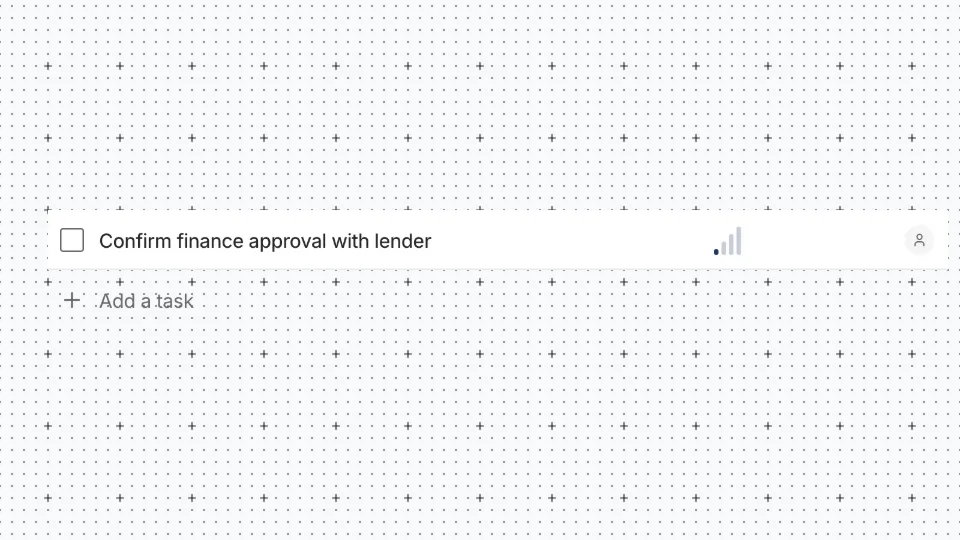
Open tasks only, editable as they are: click any title, priority, date or assignee. Tick one: its line draws through, then it leaves and the rows below close up. Add one by writing the whole task, like “Call Rose tomorrow for Sam”.
Tasks
4On the Tasks tab
Open tasks, then the done ones under Done. Tick one and it glides down to Done once its line has drawn; clear one in Done and it goes back in due order.
Open tasks
4Done
2- Sam Evans · YesterdayCall client re settlement date
- Mia Gold · Mon 17 NovSend engagement letter
Read only
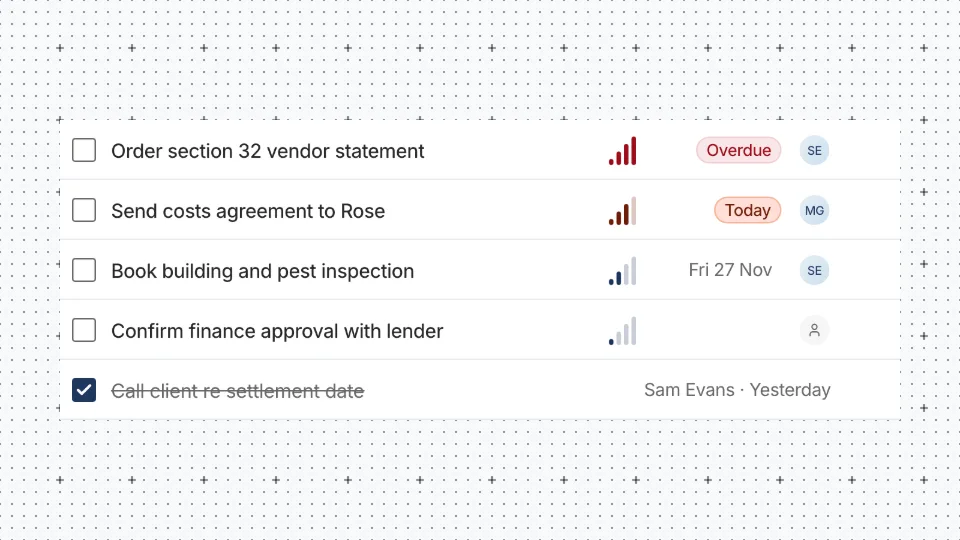
readOnly turns editing off in every row, for a list someone can only look at.
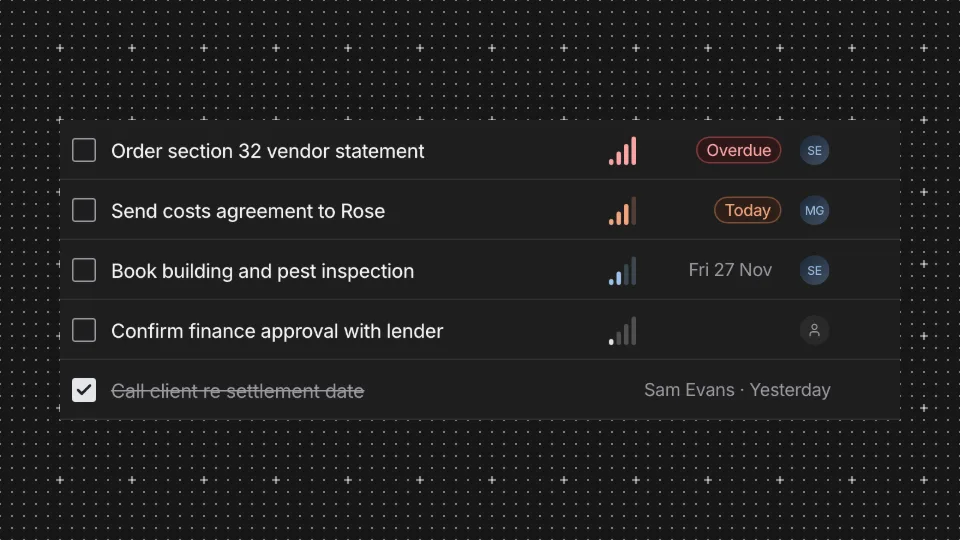
- OverdueOrder section 32 vendor statement
- TodaySend costs agreement to Rose
- Fri 27 NovBook building and pest inspection
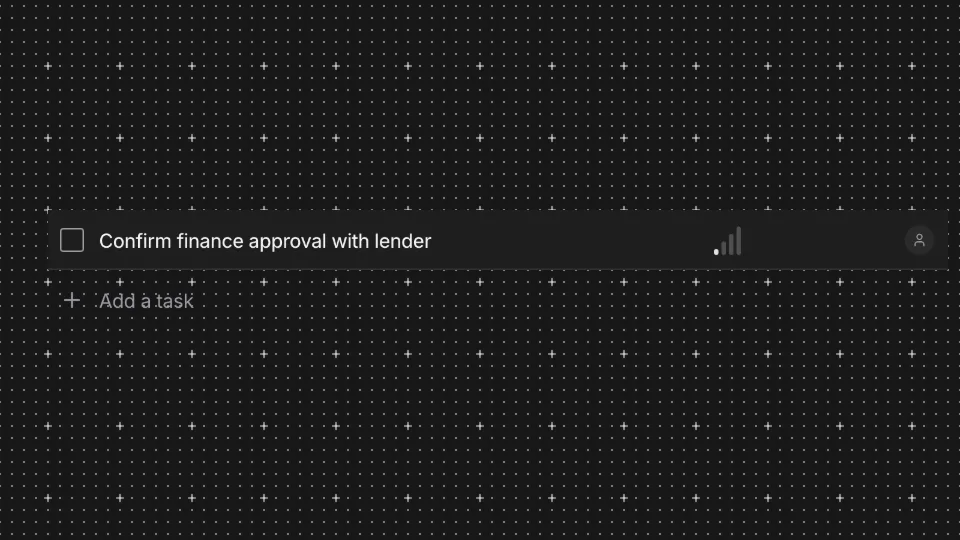
- Confirm finance approval with lender
What the examples share
The imports and the scaffolding the examples above call. The scaffolding lives in this page, not in the library.
import { useState } from "react";

import { SquareCheckBigIcon, TaskList, TaskQuickAdd, WorkspaceSectionHeader, type TaskItem } from "@leap-crm/design-system";

const today = "2026-11-24";

const people = [
  { id: "se", name: "Sam Evans", initials: "SE", onMatter: true },
  { id: "mg", name: "Mia Gold", initials: "MG", onMatter: true },
  { id: "st", name: "Sam Taylor", initials: "ST" },
];

const seed: TaskItem[] = [
  {
    id: "1",
    title: "Book building and pest inspection",
    priority: "medium",
    due: "2026-11-27",
    assignee: people[0],
  },
  {
    id: "2",
    title: "Order section 32 vendor statement",
    priority: "urgent",
    due: "2026-11-23",
    assignee: people[0],
  },
  {
    id: "3",
    title: "Send costs agreement to Rose",
    priority: "high",
    due: today,
    assignee: people[1],
  },
  {
    id: "4",
    title: "Confirm finance approval with lender",
    priority: "low",
  },
  {
    id: "5",
    title: "Call client re settlement date",
    done: true,
    doneBy: { name: "Sam Evans", when: "Yesterday" },
  },
  {
    id: "6",
    title: "Send engagement letter",
    done: true,
    doneBy: { name: "Mia Gold", when: "Mon 17 Nov" },
  },
];

function Demo({ variant }: { variant: "overview" | "tab" }) {
  const [tasks, setTasks] = useState(seed);
  const [open, setOpen] = useState(seed.filter(task => !task.done).length);
  return (
    // Room below the list, so a picker opened from the last rows isn't cut off by the example box.
    <div className="flex w-150 flex-col gap-1 pb-40">
      <WorkspaceSectionHeader
        icon={<SquareCheckBigIcon />}
        title={variant === "tab" ? "Open tasks" : "Tasks"}
        count={open}
        onViewAll={variant === "overview" ? () => undefined : undefined}
      />
      <TaskList
        tasks={tasks}
        variant={variant}
        today={today}
        people={people}
        onTasksChange={next => setOpen(next.filter(task => !task.done).length)}
        onMore={() => undefined}
        addRow={
          <TaskQuickAdd
            people={people}
            today={today}
            shortcut={false}
            onAdd={draft => {
              setTasks(current => [
                ...current,
                {
                  id: String(current.length + 1),
                  title: draft.title,
                  due: draft.due,
                  priority: draft.priority,
                  assignee:
                    people.find(person => person.id === draft.assigneeId) ??
                    null,
                },
              ]);
              setOpen(count => count + 1);
            }}
          />
        }
      />
    </div>
  );
}

function ReadOnly() {
  return (
    <div className="w-150">
      <TaskList tasks={seed} variant="overview" today={today} readOnly />
    </div>
  );
}
Best practices
When to use it, and the rules that apply in particular places.
| Guidance | Practice |
|---|---|
| Do | Use variant="overview" on a matter's Overview, which shows open tasks only, and variant="tab" on the Tasks tab, which adds the done ones under Done with their count. |
| Do | Pass onChange and onDoneChange when the server owns the tasks. Without them the list keeps its own edits, and onTasksChange reports the list so a header's count can follow it. |
| Do | Put a TaskQuickAdd in addRow, so the add row ends the open tasks. |
| Do | Set readOnly to stop in-place edits to a task's title, priority, due date and assignee. Rows edit in place by default, and readOnly leaves ticking a task done working. |
| Do | Set viewOnly for someone who can see a matter's tasks but not change them: it stops ticking as well as editing, and hides the ⋯ menus and the add row. |
| Don't | Sort the tasks or move a ticked one yourself. The list sorts open tasks by due date, undated last, and holds a changed task in its slot until focus leaves, so nothing moves under the reader. |
| Don't | Set target to a task just created. Set it when someone was taken to a task, and change its nonce to land on it again. |
Props
| Prop | Type | Default | Description |
|---|---|---|---|
| tasks * | unknown | — | The tasks, in any order: open ones are sorted by due date, undated last. |
| variant | "overview" | "tab" | "overview" | Overview shows open tasks only. Tab adds the done ones below, under a Done header with their count. |
| onDoneChange | (id: string, done: boolean) => void | — | Runs when a task is ticked or cleared. The line draws through it first, then it moves. Pass it to own ticking; leave it out and the list ticks its own copy. |
| onChange | (id: string, patch: TaskPatch) => void | — | Runs with the task and what changed when a row is edited in place. Pass it to own the tasks (controlled); leave it out and the list keeps its edits itself. |
| readOnly | boolean | false | Turns off editing in place in every row. Lists edit by default. |
| viewOnly | boolean | false | For someone who can see the tasks but not change them: no editing, no ticking, no ⋯ menus and no add row. |
| onTasksChange | (tasks: TaskItem[]) => void | — | Without onChange and onDoneChange: runs with the list as it now stands after each edit or tick, so a header's count can follow it. |
| people | unknown | — | Who a task can be assigned to when edited in place. People on this matter come first. |
| onMore | (id: string) => void | — | Opens a task's ⋯ menu. |
| target | { id: string; nonce: number } | null | null | The task someone was taken to, and a value that changes each time they're taken there again. Never a task just created. |
| today | string | — | Today's ISO date. The page's today by default. |
| addRow | ReactNode | — | The add row at the end of the open tasks, usually a TaskQuickAdd. |
| className | string | — | Classes added to the root element, merged with its own. Tokens only. |
Keyboard
The keys it answers to. Tab moves between components, arrows move within them.
| Keys | What they do |
|---|---|
| Tab | Moves through each task's fields in the order they are drawn. |