Task quick add
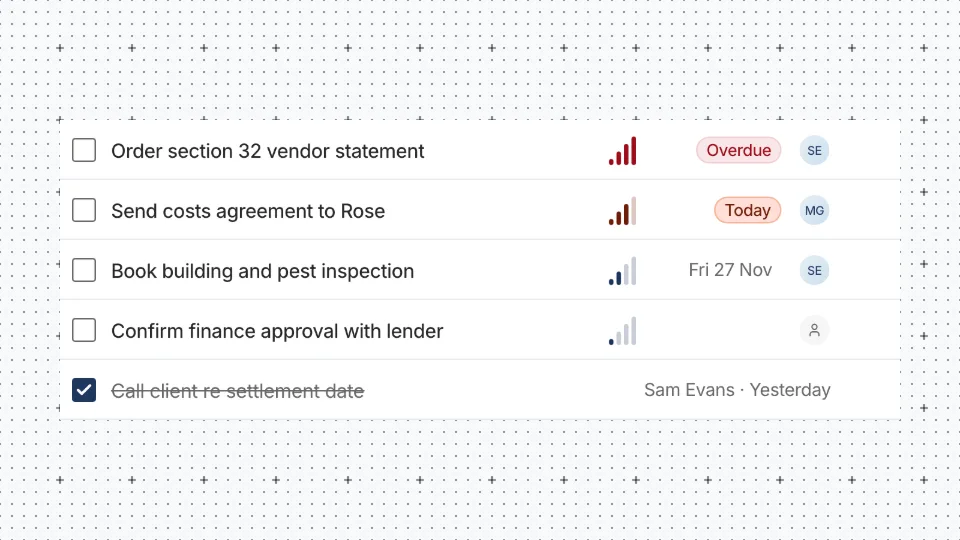
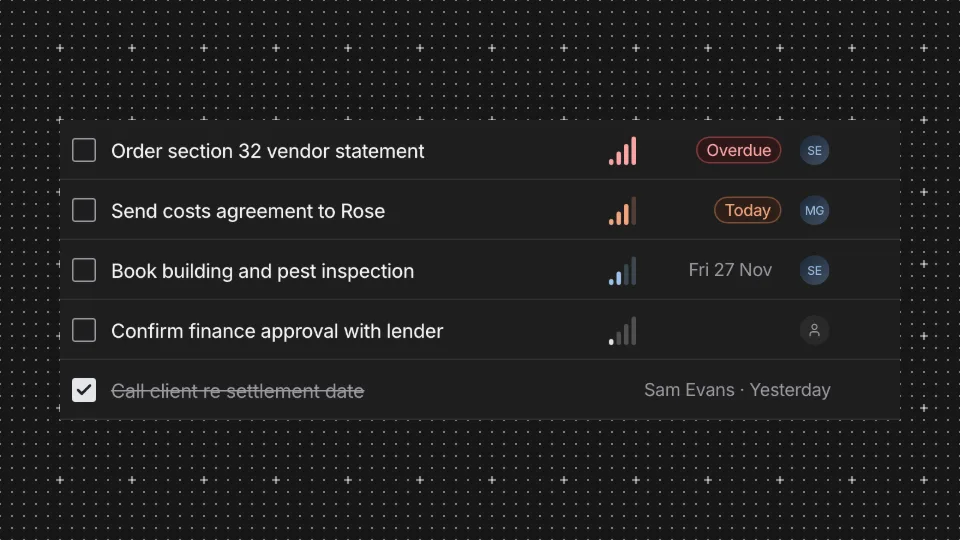
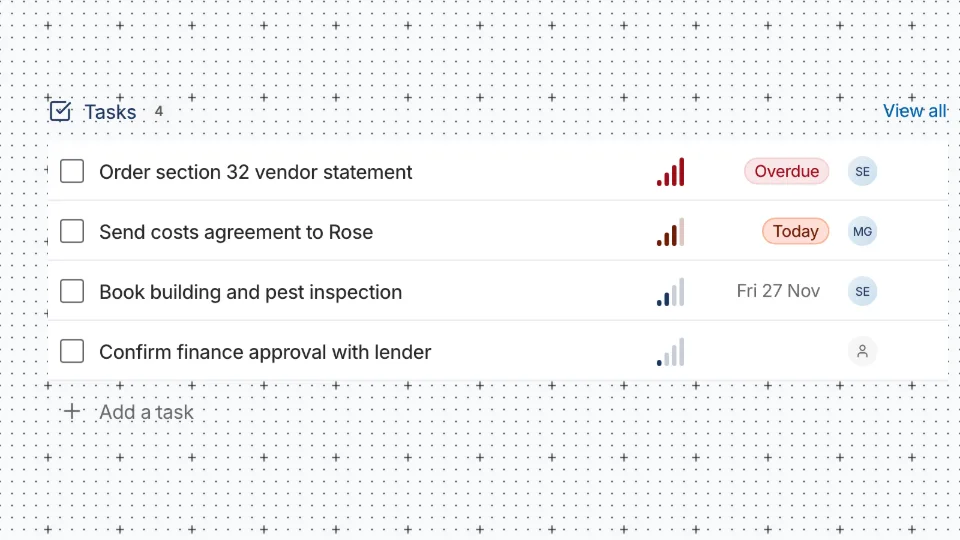
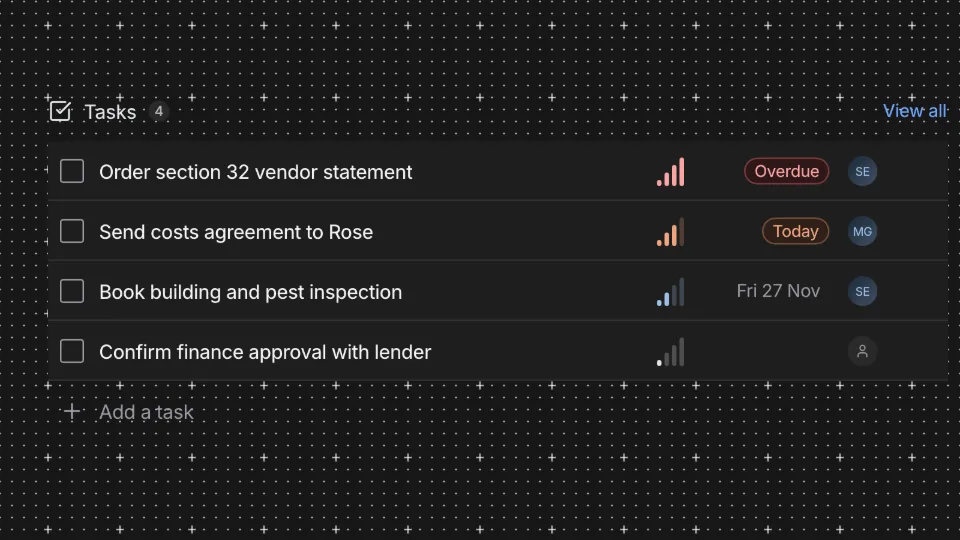
The last row of a task list. It reads “Add a task” until it's opened with a click or N; then you write the whole task in the title, as you'd say it. The words that name a date, a person or a priority are underlined as you type and fill their slots on the right, and Tab steps through the slots to check or change each. Every detail is optional: Enter adds, Esc cancels and puts focus back on the row, and after adding the field stays open and empty for the next one. A task just added never gets the highlight.
BetaReady to use. Its API can still change in a minor release; the changelog says when.
LEAP CRMBuilt for the CRM from the core library. It knows about the CRM's own records, so it isn't a general building block.
import { parseTaskSentence, TaskQuickAdd } from "@leap-crm/design-system";Playground
Change a prop and the component follows. Its code is under Props.
Props
Best practices
When to use it, and the rules that apply in particular places.
| Guidance | Practice |
|---|---|
| Do | Pass it as TaskList's addRow, so it is the last row of the open tasks. |
| Do | Pass people, so a name in the sentence, like “for Mia”, fills the assignee slot. |
| Do | Set shortcut={false} on every add row but one when a page holds more than one. It is on by default, and N should open one row. |
| Do | Set defaultOpen only on a page that's only for adding tasks. Elsewhere it reads “Add a task” until it's opened. |
| Don't | Add separate date, assignee or priority fields beside it. The sentence fills those slots, and Tab steps through them to check or change each. |
Props
| Prop | Type | Default | Description |
|---|---|---|---|
| mode | "steps" | "tokens" | "steps" | Steps: write the whole task in the title, like "Order strata report by Friday for Mia, high priority"; the date, the person and the priority it names fill their slots as you type, and Tab steps through them to check or change each. Tokens: @, ! and day names turn into tokens as you type. |
| people | unknown | [] | Who a task can be assigned to. People on this matter come first. |
| onAdd * | (task: TaskDraft) => void | — | Runs with the new task when it's added. The row then clears and stays open for the next one. |
| defaultPriority | "low" | "medium" | "high" | "urgent" | "critical" | "medium" | The priority a task gets when none is chosen. |
| shortcut | boolean | true | Pressing N anywhere outside a text field opens the row. |
| today | string | — | Today's ISO date. The page's today by default. |
| defaultOpen | boolean | false | Starts open, for a page that's only for adding. |
| className | string | — | Classes added to the root element, merged with its own. Tokens only. |
Code
What the playground shows, ready to copy.
import { TaskQuickAdd } from "@leap-crm/design-system";

<TaskQuickAdd onAdd={addTask} />
Keyboard
The keys it answers to. Tab moves between components, arrows move within them.
| Keys | What they do |
|---|---|
| N | Opens the add row, when its shortcut is on and focus isn't in a text field. |
| Enter | Adds the task. |
| ArrowDownArrowUp | While a list of suggestions is open, move through it. |
| EnterTab | While a list of suggestions is open, accept the highlighted one. |
| Backspace | In an empty field, removes the last token. |
| Escape | Closes an open picker first, then cancels the draft and puts focus back on the row. |